Learn without limits
Grow with courses in computer skills, languages, business and professional development, all in one place.
Join for FreeNew and popular
Show all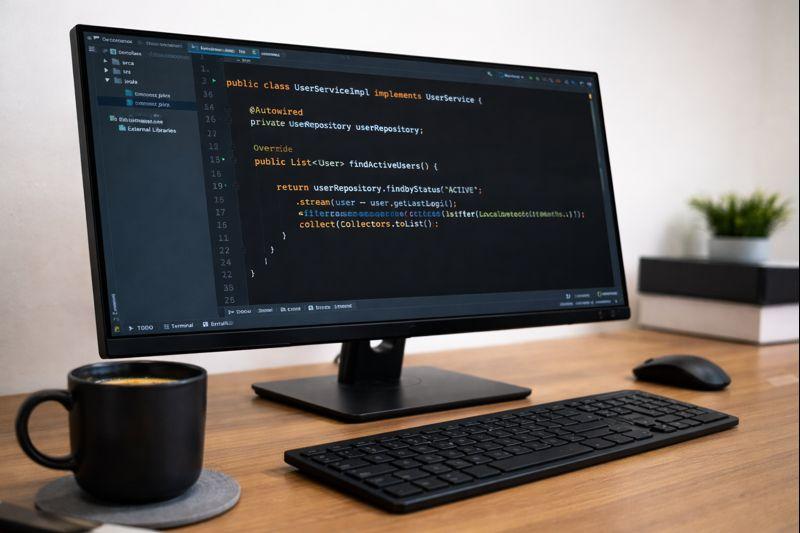













Choose your programme
Explore categories
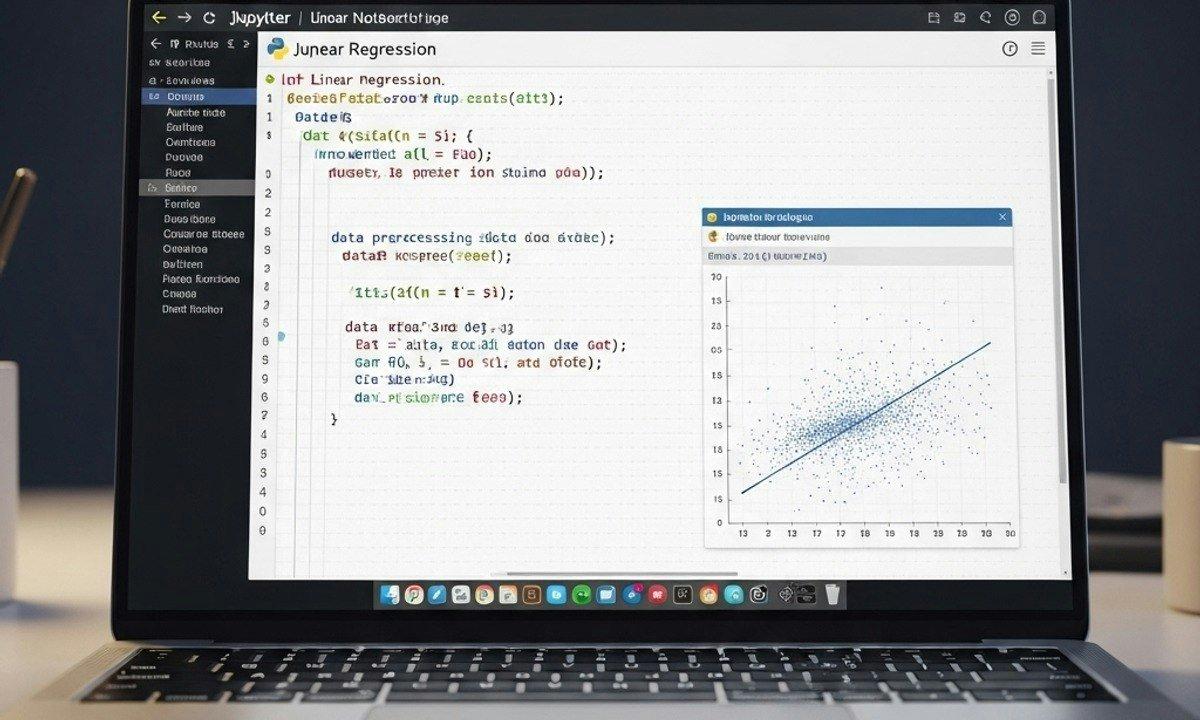
Deglecy Computer
Programming, design, marketing and IT skills
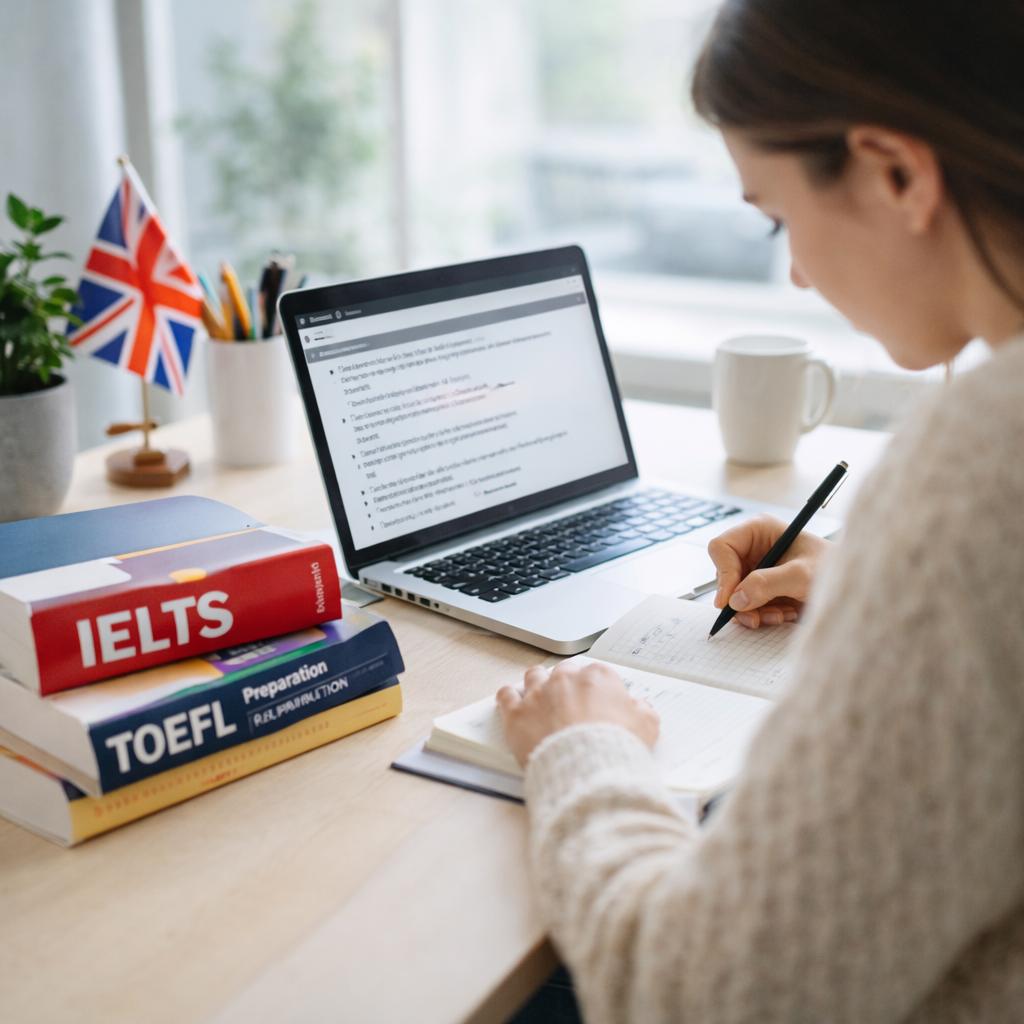
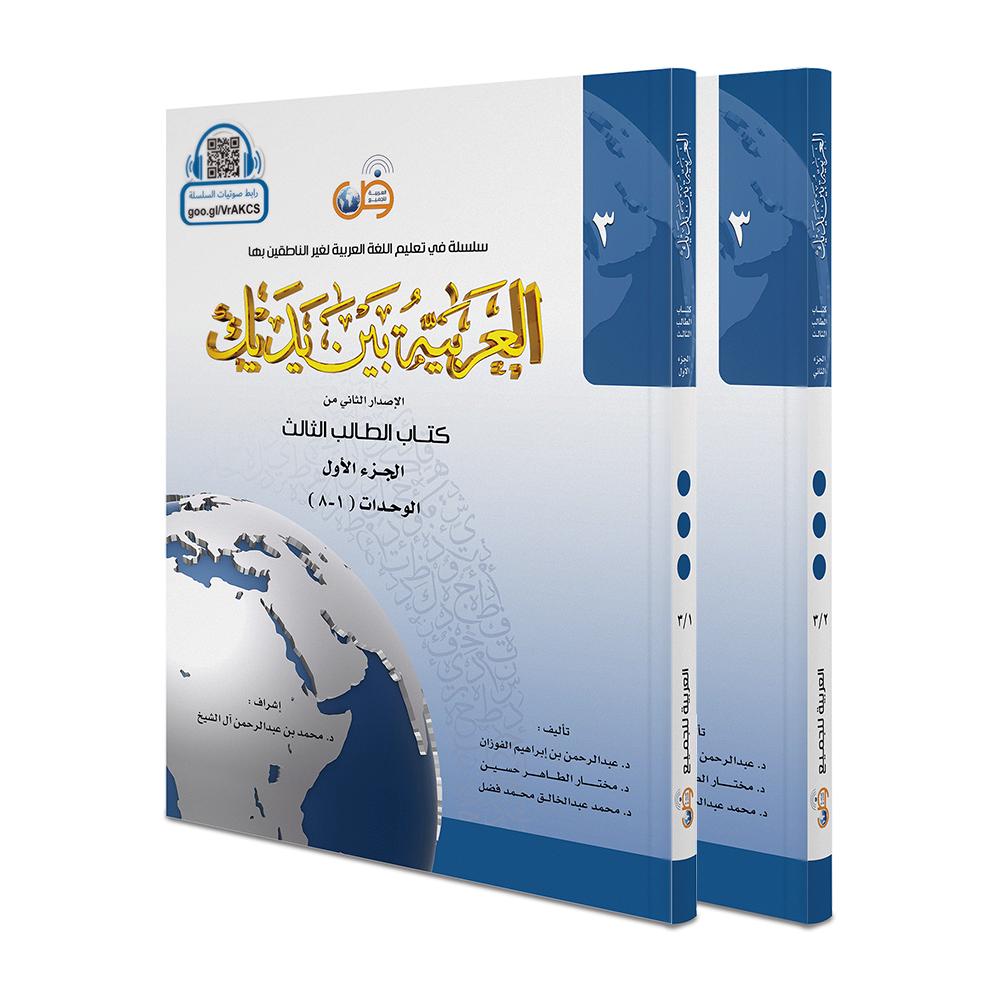
Deglecy Language
English, French, Swahili, Luganda and more



Deglecy Business
Entrepreneurship, sales, finance and leadership
Courses are being added. Check back soon.
Deglecy Professional
Career skills and recognised certifications
Courses are being added. Check back soon.
Start learning for free
Join thousands of students already growing with Deglecy. No cost to get started.
What brings you to Deglecy today?
Build the skills for a new direction
Pick up new technical and professional skills at your own pace.
Join for FreeGet better at the work you already do
Sharpen sales, finance, leadership and communication skills.
Join for FreeLearn something just because you want to
Try a new language or a new skill with no pressure.
Join for FreeWhy people choose Deglecy
Frequently asked questions
What is Deglecy?
Deglecy is an online learning platform with four programmes: Computer, Language, Business and Professional. Each has its own catalogue of courses taught by expert instructors.
Is it free to get started?
Yes. Creating an account costs nothing, and you can start learning right away.
Which programmes can I learn in?
Deglecy Computer covers programming, design, marketing and IT skills. Deglecy Language covers English, French, Swahili, Luganda and more. Deglecy Business covers entrepreneurship, sales, finance and leadership. Deglecy Professional covers career skills and recognised certifications.
How do I pick up where I left off?
Log in and the banner at the top of the home page takes you straight back to your last lesson. Your enrolled courses are also under My Learning in your account menu.
How do I get help?
Visit the Help Center, check the FAQs page, or chat with us on WhatsApp using the green button at the bottom right of any page.